• Global CNC market projected to reach $128B by 2028 • New EU trade regulations for precision tooling components • Aerospace deman
NYSE: CNC +1.2%LME: STEEL -0.4%

Where CNC metalworking loses time between programming and cutting
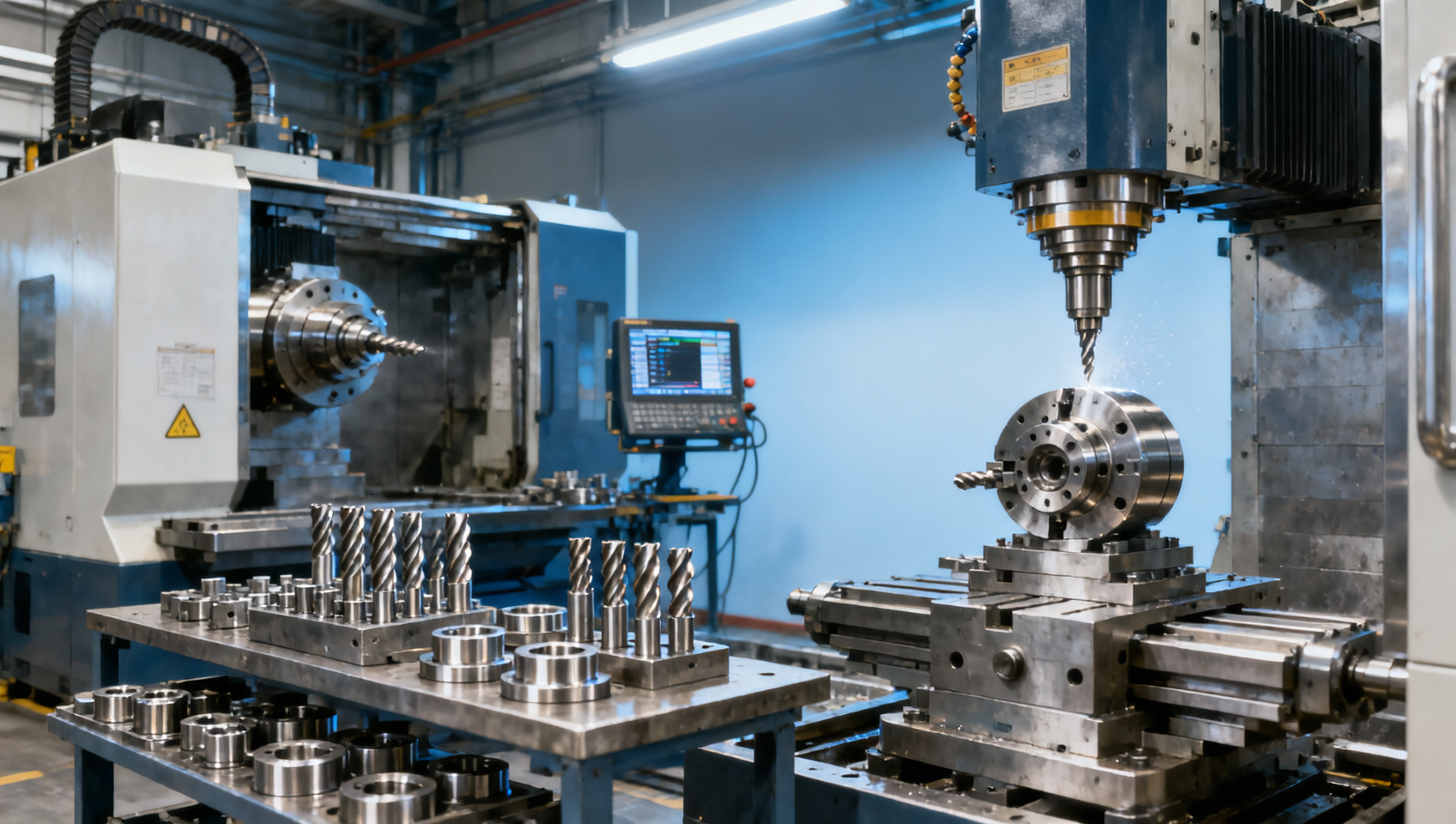
In CNC metalworking, the biggest delays often happen before CNC cutting even begins. Between CNC Programming, tooling setup, data transfer, and machine readiness, metal machining teams can lose valuable production time across every automated production line. For companies in the Manufacturing Industry, understanding where industrial CNC workflows slow down is the first step toward faster CNC production, better quality, and more efficient automated production.
For researchers, operators, buyers, and manufacturing decision-makers, this issue is not theoretical. A machine that cuts for 6 hours but waits 2 hours for setup, offsets, approvals, or file corrections is already underperforming. In high-mix production, where batch sizes may range from 5 parts to 500 parts, pre-cut delays often determine whether a shop floor remains profitable, responsive, and scalable.
The gap between programming and cutting usually involves more than CAM software alone. It includes drawing review, process planning, tool availability, fixture preparation, NC program validation, data transfer, probing routines, first-article inspection, and machine queue management. When these steps are disconnected, even advanced CNC lathes, machining centers, and multi-axis systems lose valuable spindle time.
Where the hidden time loss starts in CNC workflow
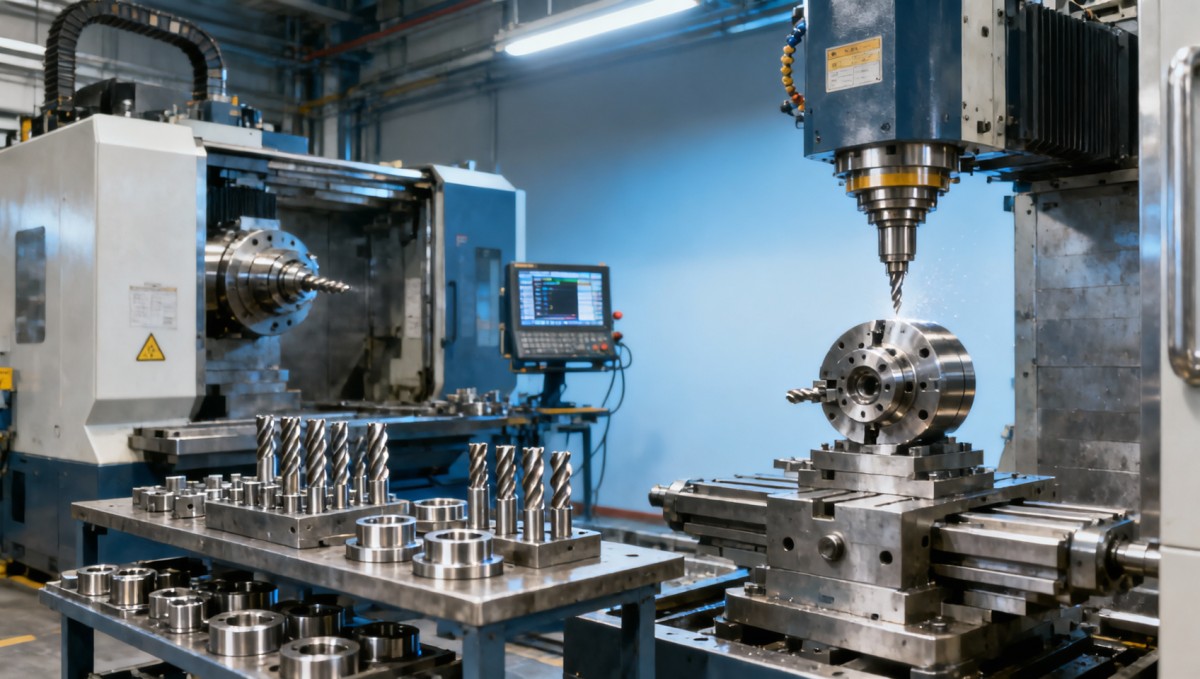
In many CNC metalworking operations, the first bottleneck appears before a machine is powered for the next job. Engineering may finish a program in 45 minutes, but the actual release to production can take 2–6 additional hours if setup sheets are incomplete, tool lists are outdated, or fixture requirements are not confirmed. This gap is especially common in mixed production environments serving automotive, aerospace, energy, and precision electronics.
Programming delays also grow when CAD and CAM data are not standardized. One programmer may use a different tool naming rule, post-processor version, or zero-point convention than another. That inconsistency forces operators to stop and verify offsets, tooling lengths, and machining sequences at the machine, where every 10-minute pause directly reduces output.
Another source of hidden loss is approval latency. In many factories, a program is ready, but production cannot start until process engineers, quality teams, or shift supervisors validate the route. If this review process is manual, dependent on email, or limited to one key person, the queue can stretch from 1 job to 8 jobs in a single shift. Machines stay idle not because of cutting complexity, but because decision flow is too slow.
For procurement teams and plant managers, the practical lesson is clear: machine performance should not be judged only by spindle speed, axis count, or advertised precision. The real throughput of a CNC line depends on how quickly information moves from design to setup to verified cutting. A 5-axis machine with poor process coordination may produce less usable output than a 3-axis machine with disciplined preparation.
Typical delay points before the first chip is made
The following comparison shows where shops commonly lose time between programming completion and actual cutting start. These are typical operational ranges rather than fixed statistics, but they are useful for workflow planning and internal benchmarking.
The key takeaway is that no single delay appears dramatic on its own. But when four small interruptions add up, a job can lose 1.5–5 hours before cutting starts. In a plant running 2 shifts and 10 machines, that cumulative loss can quickly become the equivalent of several full production days each month.
Programming, tooling, and setup disconnects that reduce spindle utilization
The most common reason CNC metalworking loses time is a disconnect between digital planning and physical readiness. A CAM program may be technically correct, but if the required cutter, insert grade, holder extension, or probing cycle is not available on the machine side, operators must improvise. Improvisation increases setup time and often raises the risk of scrap during first-article production.
This problem becomes more serious in precision machining, where tolerance windows may be within ±0.01 mm to ±0.05 mm depending on part type. In such conditions, changing a toolholder, extending a gauge length, or substituting a fixture can alter stability, chip evacuation, and dimensional repeatability. The result is not only delay but also more trial cuts and extra quality checks.
Many factories also underestimate the effect of setup documentation quality. A setup sheet should not only list tools. It should specify tool numbers, stick-out values, work offsets, clamping sequence, inspection points, estimated setup time, and risk notes for thin-wall or heat-sensitive areas. If that information is incomplete, operators rely on experience instead of standard process control, which makes performance dependent on specific individuals.
For buyers evaluating CNC systems, this is why software integration, tool management compatibility, and presetting workflow matter as much as machine rigidity or spindle power. A machine with 12,000 rpm capability delivers limited value if setup preparation remains manual and disconnected from engineering data.
High-impact disconnects to watch
- Tool library and shop inventory do not match, causing last-minute substitutions or emergency purchasing.
- Post-processors are not aligned with controller versions, leading to edits at the machine or dry-run interruptions.
- Fixture plans are created after programming instead of during process planning, adding 30–60 minutes per setup.
- Presetting data is not transferred automatically, so operators manually key in length and diameter offsets.
- First-article inspection requirements are unclear, delaying part release even after a successful first run.
What better coordination looks like
A more efficient workflow usually has 4 linked elements: stable CAD/CAM standards, a verified tooling database, preplanned fixturing, and a controlled release process. When these are connected, setup teams can prepare tools offline, preset offsets before machine loading, and reduce machine-side decision-making to a short checklist. In many practical cases, setup time drops by 15%–40% simply by removing uncertainty, not by buying faster equipment.
This is especially valuable for contract manufacturers and export-oriented suppliers facing fluctuating order volumes. If changeovers occur 3–10 times per day across different materials such as steel, aluminum, titanium, or cast iron, reducing non-cutting minutes creates more capacity than increasing cutting speed alone.
How data transfer and machine readiness create avoidable production gaps
Even after programming and setup are complete, production can still slow down at the handoff stage. Data transfer issues are common in shops where NC files are moved by USB, local folders, or operator-managed naming systems. A single revision error can trigger rework, dry-run stops, or complete job cancellation. In a high-value precision part environment, one wrong version can cost more than several hours of machine time.
Machine readiness is another frequent blind spot. Readiness includes more than machine availability. It means the machine has the correct tools loaded, offsets entered, fixtures mounted, coolant condition verified, probes calibrated, and required maintenance completed. If just one of these elements is missing, the machine is technically free but not production-ready.
For operations managers, readiness should be measured with specific criteria. For example, a machine may be listed as “available” in the schedule, but if 20 tools still need loading and a spindle warm-up cycle takes 15 minutes, true start time is later than planned. This scheduling gap becomes larger on multi-axis machining centers and mill-turn systems, where setup complexity is inherently higher.
Digital integration can reduce this friction. DNC systems, MES connections, barcode-based tool tracking, and electronic setup approval can shorten transfer and verification steps to 5–15 minutes in disciplined environments. Without such controls, the same process may take 30–90 minutes and still carry greater risk.
Machine readiness checklist for faster job release
A structured readiness gate helps teams distinguish between scheduled time and usable time. The table below outlines a practical checkpoint model for CNC production teams.
The table shows that machine availability should be treated as a qualified status, not a simple calendar entry. Plants that use readiness criteria usually get more reliable start times, better first-part success, and lower operator stress during shift changes.
Why this matters for procurement and capacity planning
When evaluating new CNC equipment, buyers should ask how the machine fits into data flow, tool loading, and process verification. Questions about controller compatibility, offline simulation, probing support, and digital setup transfer are often more important than headline feed rates. In real production, integration can unlock more annual output than a nominal 10% increase in spindle performance.
Practical ways to reduce setup-to-cut time across automated production lines
Reducing lost time between programming and cutting does not always require a full smart factory project. In many cases, gains come from standardization, sequencing, and better ownership of pre-production steps. Shops that map the workflow from drawing release to first approved part often discover 6–12 handoff points where delays are accepted as normal even though they are controllable.
The first practical move is to separate machine-side setup from preparation-side setup. Tools should be assembled, measured, and verified offline whenever possible. Fixtures should be staged before the previous job finishes. Program files should be released with setup sheets, not after operators ask for them. This simple discipline can reduce dead time by 20–60 minutes per changeover in many medium-volume shops.
The second move is standardization. Tool naming, fixture references, datum conventions, and revision control should follow one rule across shifts and product families. If one operator calls a tool T12 and another calls the same assembly T28, confusion quickly spreads into setup, quality, and maintenance. Standard rules are especially important for multi-machine cells and flexible production lines.
The third move is visibility. Teams need to know whether a job is waiting for engineering, tooling, inspection, or machine access. A 4-stage or 5-stage status board often works better than a generic “released/not released” system. Clear status tracking helps production managers intervene early instead of discovering delays only after the planned start time has already passed.
A practical improvement sequence
- Measure current lead time from program completion to first cut over at least 20 jobs.
- Separate delays into engineering, tooling, fixture, transfer, and machine-readiness categories.
- Standardize the top 10 most-used tools, holders, and work offsets for recurring part families.
- Introduce offline presetting and a digital or printed setup sheet with 6–8 mandatory fields.
- Review first-article approval flow and remove unnecessary approvals that do not add control value.
Which improvements usually pay back fastest
For small and mid-sized manufacturers, the fastest returns often come from three areas: offline tool presetting, fixture standardization, and file revision control. These require less capital than new machines or full MES integration, yet they often eliminate the most frequent disruptions. For larger plants with high scheduling complexity, digital job dispatch and machine connectivity create stronger long-term benefits.
In procurement terms, this means investment decisions should compare not only equipment price, but also expected reduction in setup hours, first-piece approval time, and operator intervention. A lower-cost machine may become more expensive over 24 months if it requires more manual coordination around every production change.
What decision-makers should evaluate when choosing CNC workflow solutions
Decision-makers often focus on machine specifications, but workflow efficiency depends on the full production system. When choosing CNC software, tooling strategies, automation modules, or machine tool suppliers, the most useful question is this: how much non-cutting time will this reduce per job, per shift, and per month? Even a 25-minute reduction across 8 daily changeovers equals more than 3 hours of recovered capacity.
For procurement teams, evaluation should include integration risk, operator learning curve, spare part support, and implementation timing. A solution that looks advanced on paper may create temporary disruption if training takes 6–8 weeks or if post-processors require extensive customization. The best choice is usually the one that improves flow without creating a new bottleneck in engineering or quality.
For operators and production supervisors, usability matters just as much as technical capability. If setup screens are unclear, tool data is hard to access, or alarms are difficult to diagnose, cycle-ready time will remain longer than expected. Workflow design should reduce interpretation, not add more screens and steps to an already busy process.
For researchers and planners, the broader trend is clear: the machine tool industry is moving toward tighter digital integration, flexible production, and higher repeatability. As manufacturing systems become more automated, the cost of poor information handoff becomes more visible. In modern CNC production, lost time is increasingly a systems issue, not just an operator issue.
Procurement checklist for reducing pre-cut delays
Before selecting a machine, software platform, or process improvement package, compare the decision factors below. They help translate technical features into operational impact.
This comparison helps align capital spending with real production outcomes. The best investment is not simply the most advanced machine or software package, but the one that reliably converts engineering intent into stable cutting with fewer delays, fewer manual checks, and fewer avoidable stops.
FAQ for buyers, operators, and planners
How much setup-to-cut time is considered normal?
It depends on part complexity, batch size, and machine type. For repeat jobs on standardized 3-axis machines, 15–45 minutes may be achievable. For new parts on multi-axis equipment, 60–180 minutes is common. The main goal is consistency and reduction of unnecessary waiting, not forcing every job into the same time target.
Which companies benefit most from improving this gap?
High-mix, low-to-medium volume manufacturers benefit the most because they perform frequent changeovers. Contract machining suppliers, automotive component plants, aerospace part producers, and electronics metal part manufacturers often see the fastest gains when setup coordination improves.
Should companies invest in automation or process discipline first?
In many cases, process discipline should come first. If tool data, setup rules, and release procedures are inconsistent, automation can only move the same confusion faster. Once the workflow is standardized, automation and digital integration deliver stronger and more predictable returns.
Time lost between programming and cutting is one of the most underestimated costs in CNC metalworking. It reduces spindle utilization, delays delivery, increases setup pressure, and weakens the return on expensive machine tools. By focusing on programming handoff, tooling readiness, fixture planning, data control, and machine-qualified readiness, manufacturers can recover significant productive capacity without sacrificing quality.
Whether you are researching production efficiency, operating CNC equipment, sourcing machine tool solutions, or planning plant investment, the most effective strategy is to treat pre-cut time as a measurable process. If you want to improve CNC workflow performance, evaluate your current bottlenecks, compare solution options carefully, and move toward a more connected, standard-driven production model.
To explore practical CNC workflow improvements, tailored machine tool recommendations, or production-line optimization ideas, contact us today to get a customized solution and learn more about efficient CNC manufacturing strategies.
PREVIOUS ARTICLE
Recommended for You
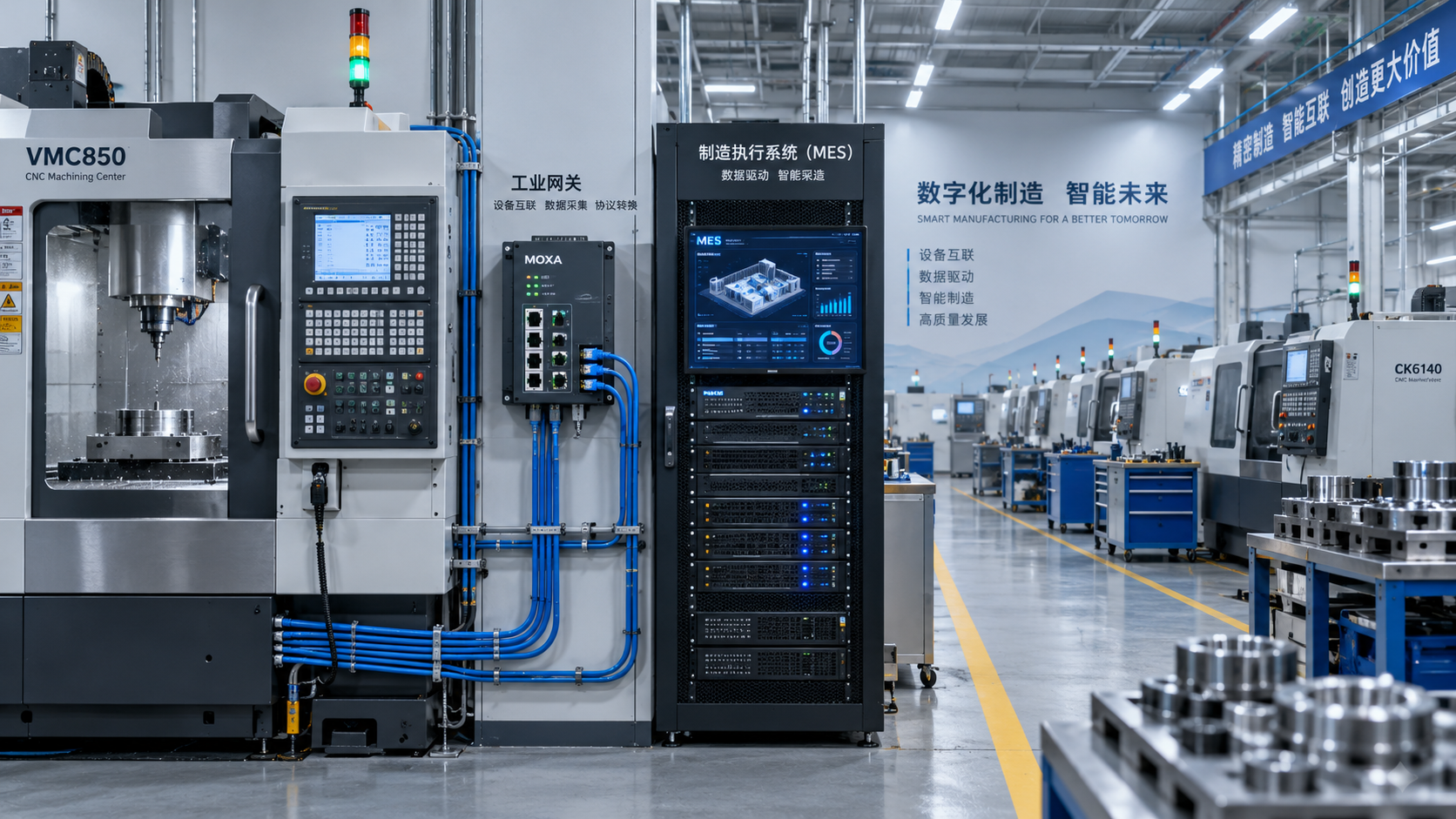
 Digital Manufacturing for Smart Factories: Connecting Legacy Machines to MESMachine Tool Industry Editorial Team
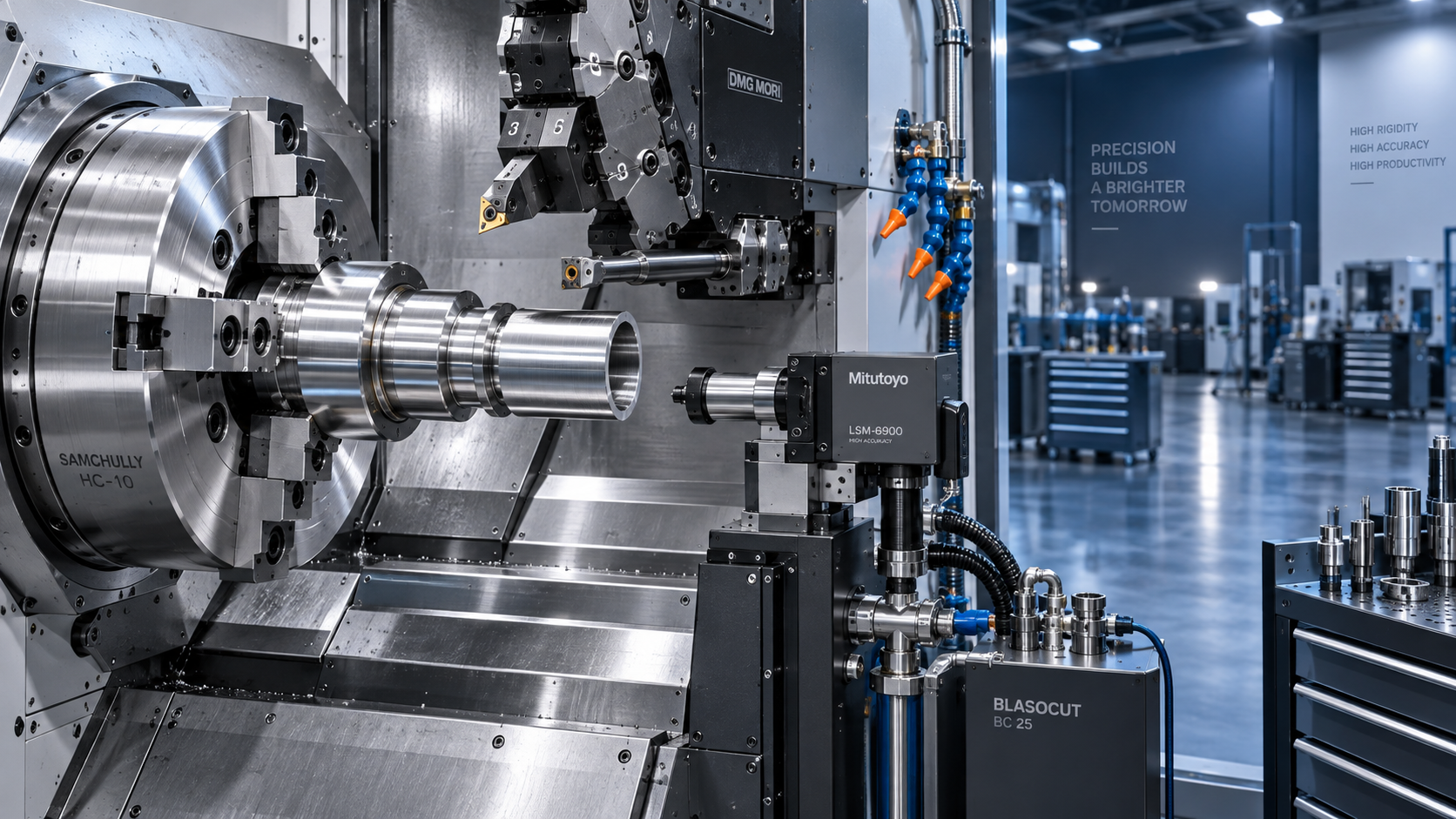
 How to Select a CNC Metal Lathe for Tight-Tolerance Shaft and Sleeve PartsCNC Machining Technology Center
 How to Select an Industrial Lathe for High-Volume Shaft ProductionMachine Tool Industry Editorial Team
 Selecting Machine Tools for Automotive Parts: Accuracy, Throughput, and AutomationMachine Tool Industry Editorial Team
 Industrial Machining: Selecting Processes for Tight-Tolerance Metal PartsCNC Machining Technology Center
 Manufacturing Technology Trends That Improve Throughput and Quality ControlManufacturing Market Research Center

Aris Katos
Future of Carbide Coatings
15+ years in precision manufacturing systems. Specialized in high-speed milling and aerospace grade alloy processing.
▶
Is Learning CNC Programming Worth It for Shop Owners Seeking Higher Margins?CNC Machining Technology Center▶
How to Select CNC Equipment for High-Mix, Low-Volume ProductionCNC Machining Technology Center▶
Can CNC Machining Inconel Control Tool Wear in High-Temperature Aerospace Parts?CNC Machining Technology Center▶
How Automated Precision Machining Maintains Tolerance in High-Mix ProductionCNC Machining Technology Center▶
CNC Programming Explained: From CAD Models to Reliable Shop-Floor ToolpathsCNC Machining Technology Center
Mastering 5-Axis Workholding Strategies
Join our technical panel on Nov 15th to learn about reducing vibrations in thin-wall components.

Providing you with integrated sanding solutions
Before-sales and after-sales services
Comprehensive technical support